

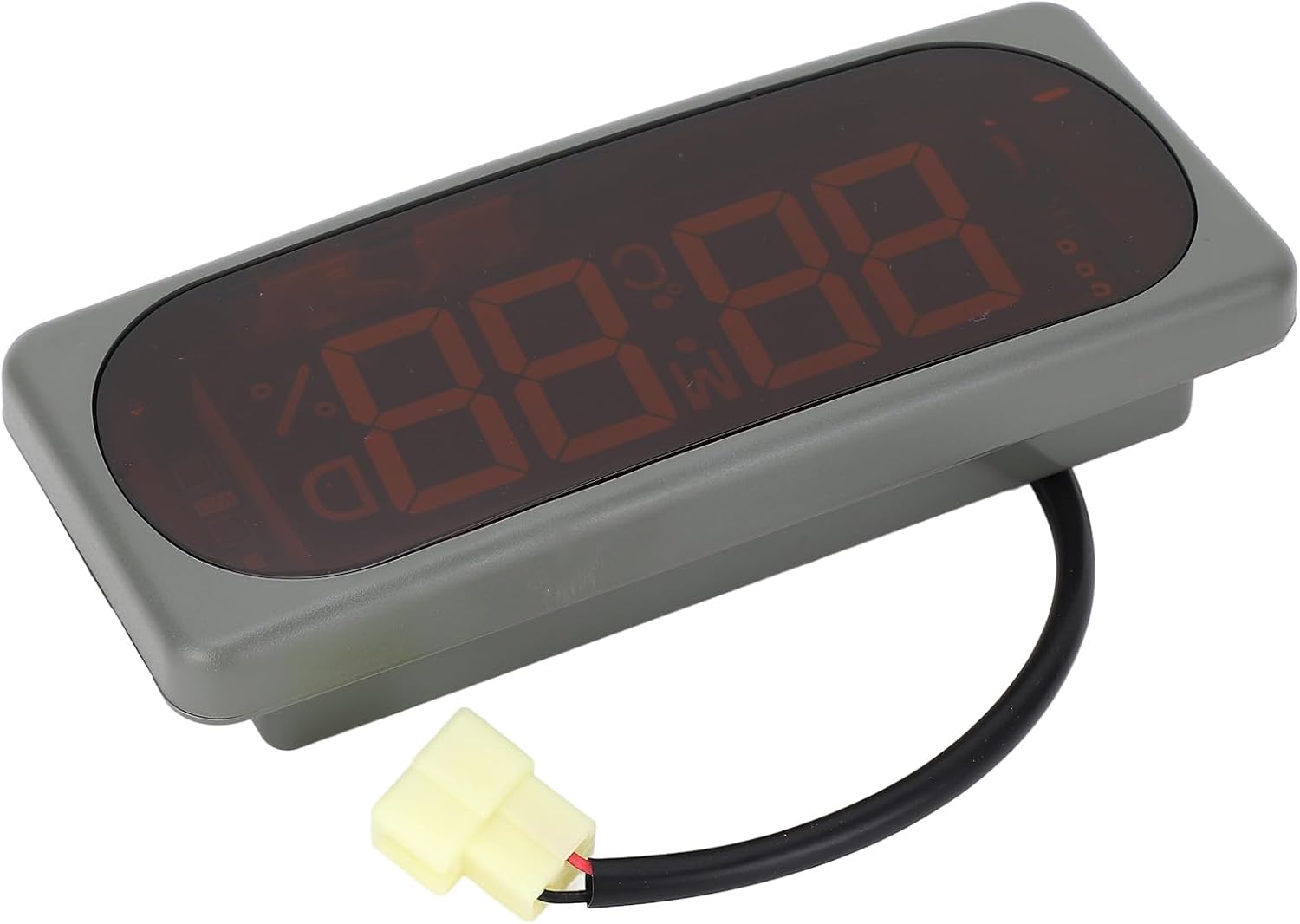
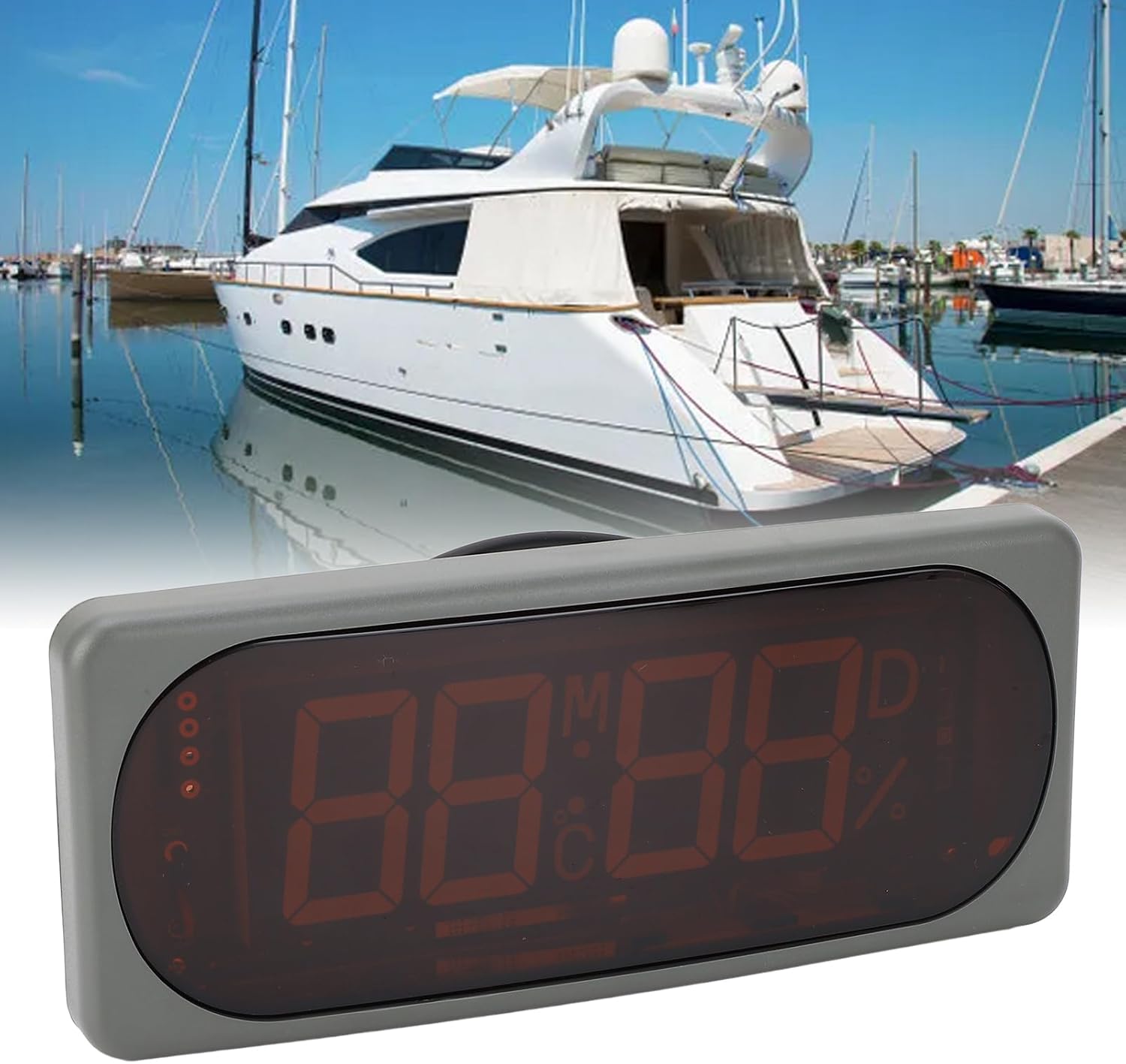
Car Digital Temperature Humidity Display Clock DC24V Electronic Clock Hygrothermograph Accurate Time Reading Stable for Vehicles Yachts
Product details
| Management number | 215395854 | Release Date | 2026/04/12 | List Price | $25.09 | Model Number | 215395854 | ||
|---|---|---|---|---|---|---|---|---|---|
| Category | |||||||||
Spec:Item Type: Electronic ClockMaterial: ABSInstallation: Embedded, hangingWorking Voltage: DC24VWorking Current: ≤60mATemperature And Humidity Measurement Range: -19℃-75℃, 10%-95%RHTemperature Accuracy: Approx. ±1℃ (at 30%-80%RH, 0-40℃)Humidity Accuracy: Approx. ±5%RH (at 25℃, 60%RH)Storage Temperature Range: -40℃-85℃, below 95%RHOperating Temperature Range: -30℃-75℃Application: For vehicles, yachts, etc.Size(LxWxH): Approx. 203 x 85 x 40mm / 7.99 x 3.35 x 1.57inInner Size(LxW): Approx. 185 x 58mm / 7.28 x 2.28inPackage List:1 x Electronic ClockHow To Use:Operation instructions:1. Press and hold the S key during the time display process for about 2 seconds until the '%' symbol appears. You can then set the minutes: press and hold the '+' key to increase the number gradually; press and hold the '‑' key to decrease the number gradually.2. For setting the hours, press and hold the S key again for about 2 seconds until the 'C' symbol appears. The method is the same as adjusting the minutes.3. Press and hold the key again for about 2 seconds, when the 'M', 'D', and '%' symbols flash simultaneously, you can set the 'day'. Press and hold the '+' key to increase the number gradually; press and hold the '‑' key to decrease the number gradually.4. Press and hold the S key again for about 2 seconds, when the 'M', 'D', 'C' symbols flash simultaneously, you can set the 'month'. The setting method is the same as . After setting, the circuit board will automatically store the data after 8 seconds.
- [Clear Display Parameters] : The electronic clock shows year, month, day, time, celsius temperature, relative humidity with uniform brightness, ensuring long visual distance.
- [Accurate and : With an annual error rate of less than 3 minutes, this car electronic clock is dependable and easy to use with an attractive appearance.
- : The 24v power supply ensures stability, making it for use in vehicles with quality and consistent performance.
- [Adjustable Mode for Convenience] : This 24-hour electronic clock allows real-time modifications and offers internal power failure storage for over 8 years.
- [Versatile Usage] : Supportive of embedded and hanging installation, ideal for cars, yachts, and other vehicle applications.
| Brand Name | Walfront |
|---|---|
| Manufacturer | WALFRONT |
| Item Type Name | Clocks |



Bestseller ranking
Clocks



Correction of product information
If you notice any omissions or errors in the product information on this page, please use the correction request form below.
Correction Request Form